What is online ordering for restaurants?
Definition
Online ordering lets customers choose dishes from your menu on a website or app, pay, and pick a time for pickup or delivery, without phoning in. A restaurant can take orders on its own website, through an ordering system it controls, or through delivery apps that list many restaurants and take a cut of each order.
Your own ordering or delivery apps?
Delivery apps bring you new customers, but every order through them carries a fee, and the customer's details stay with the app. Orders through your own site usually cost you less per order, and you can reach those customers again with news and specials. Many restaurants end up with both: the apps for discovery, their own ordering for regulars.
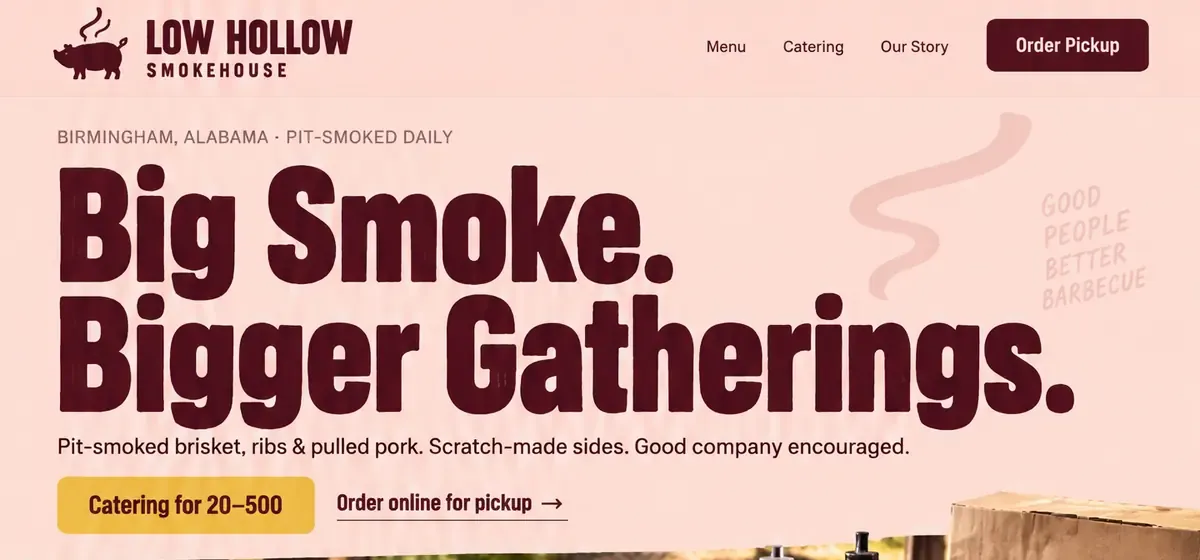
Make ordering easy to find. Put an Order online button at the top of your homepage and your menu page, show pickup hours and your delivery area, and keep the online menu in step with the kitchen. A sold-out dish or an old price at checkout is a quick way to lose a regular.
For restaurants, the details that matter are honest prep times at the dinner rush, a pickup spot people can find, and clear allergy notes on each dish. For bakeries and cafés, ordering often means pre-orders: a birthday cake with a pickup date, pies for the holidays, a box of pastries for the office.
Phone orders still matter. Keep a tappable phone number on every page for people who'd rather talk, and for big catering jobs, a short request form that asks for the date, the headcount and the budget works better than a shopping cart.
What to look for in an ordering system
- A menu you can update in minutes when a dish sells out.
- Pickup times that allow for how busy the kitchen is.
- Clear fees: per order, per month and for card processing.
- Customer details that belong to you, not the platform.
- Orders that reach the kitchen reliably, on a tablet, a printer or both.
- A checkout that's quick and easy on a phone.
How Future handles it
Most restaurants keep the ordering or delivery service they already use, and that works well with Future: your site's Order button links straight to it, and you decide where every button on the site goes. Future doesn't dispatch drivers or print kitchen tickets.
What Future builds is the site around it: a menu you can edit in a click, your hours and address, catering requests delivered to your inbox and Contacts, and an email sign-up so regulars hear about specials first. On Pro, guests can book a place at events like tastings and classes.